
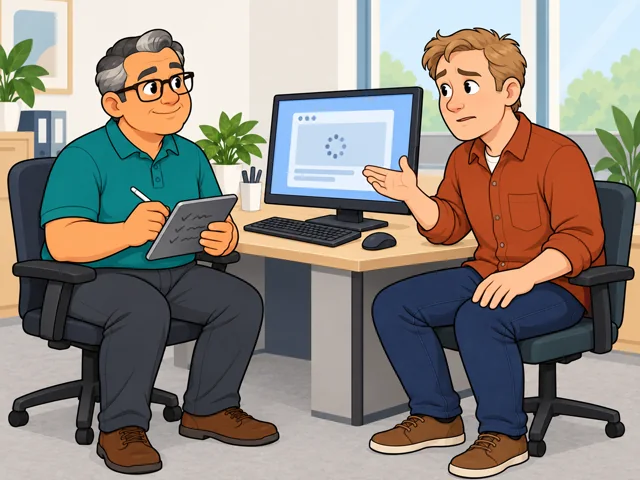
Get the story behind the problem
Hear how the trouble began, ask about recent changes and what's on screen, then note symptoms plainly.
Career profile
Computer support specialists diagnose and repair the computers, programs, and devices people need for work.
Precise questions, one fix per try, and an answer explained without tech slang: if that sounds satisfying, this role puts it to use.
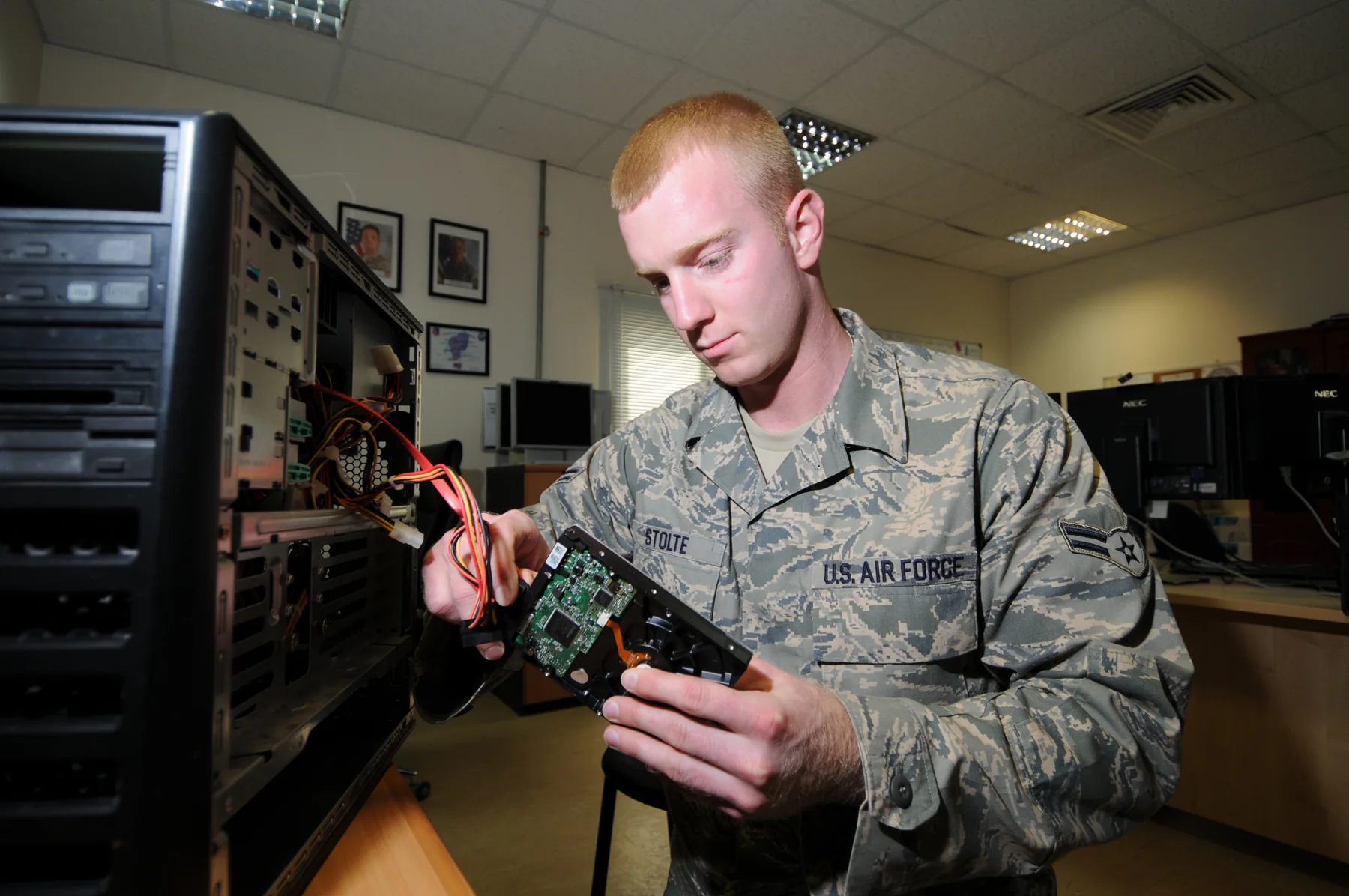
Hear how the trouble began, ask about recent changes and what's on screen, then note symptoms plainly.
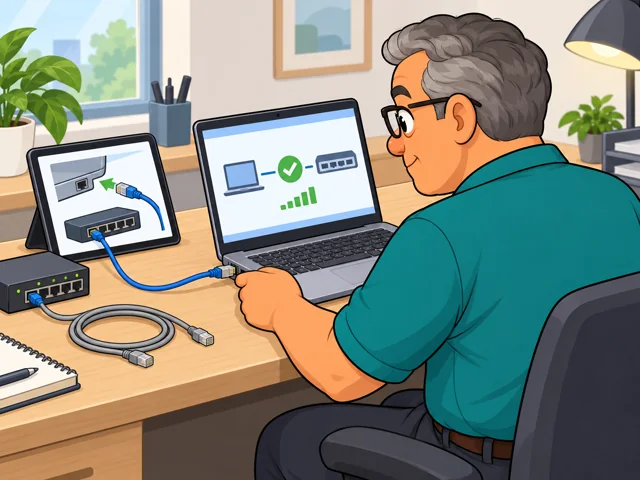
Check the manual, run a diagnostic, change one thing, and see if the result supports your suspicion.
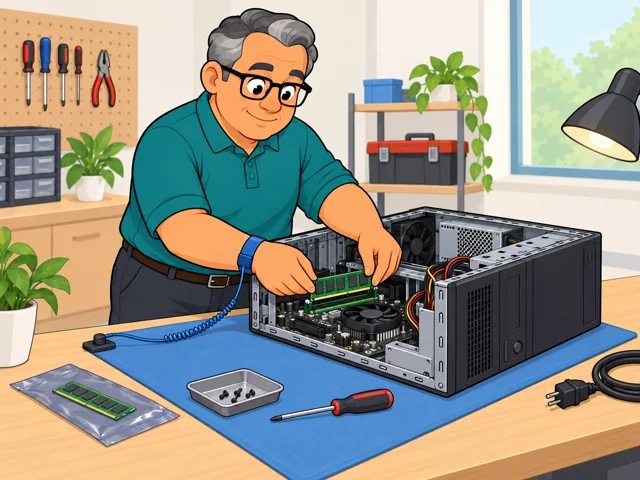
Connect the equipment, load the operating system or an app, swap a small part, and confirm it runs.

Give single instructions, watch or listen to each result, and teach the user new hardware and programs.
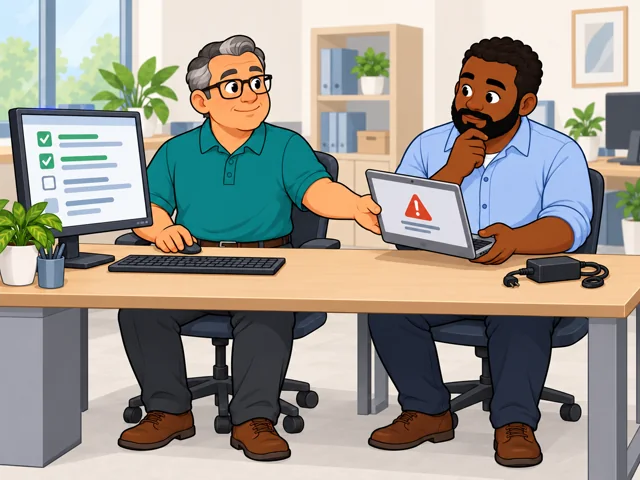
Log the problem, checks, and fix, and hand serious failures to the vendor or a more senior tech.
United States
United States · May 2025
United States · 2025-2035
Quick orientation
User-support jobs typically require some college courses, but some candidates qualify with a high school diploma and relevant IT certifications. Employers set their own requirements.
This was the national median for computer user support specialists, not an entry wage or a promised offer.
BLS projects employment of computer user support specialists to decline 3% as automated tools handle more routine troubleshooting.
Automated tools such as chatbots can answer or troubleshoot some routine requests and leave specialists with a smaller set of harder cases.
People still lead when symptoms are unclear, a user needs a careful explanation, or the fix requires judgment or hands-on work.
Routine requests may shrink while the remaining queue becomes more complex; how far automation takes over depends on the employer's systems and the problems users bring.
Pay in context
Use the national median as a midpoint for this occupation, then compare local employers, duties, schedules, and experience expectations.
The median annual wage was $61,860, meaning half of computer user support specialists earned more and half earned less. The median hourly wage was $29.74.
In May 2025, the 10th-percentile annual wage was $40,980 and the 90th-percentile wage was $100,540. These are wage percentiles, not starting and senior salaries.
Among major industries BLS listed, median annual wages were $77,180 in government excluding state and local education and hospitals, and $58,550 in educational services. These are group medians, not entry offers.
There is no single required school path. Compare employer requirements with the skills and supervised experience each route gives you.
After entry
This starts where the entry routes leave off: early work, growing capability, and advancement or specialization.
Learn the employer's devices, applications, support records, and escalation rules while handling common requests with experienced teammates.
Take broader cases, test fixes, document outcomes, train users, and keep learning as the workplace changes its tools.
Build the skills for systems administration, information security, or support management.
Support employees or students using the organization's computers and software. Requests may arrive in person, by phone, chat, or email; some roles are remote and others require you on-site.
Help business customers use one company's product, such as specialized records software. Product knowledge and clear step-by-step instruction matter.
Take a queue of household technology questions and guide customers through problems such as restoring a connection or troubleshooting a router. Around-the-clock services may use night or weekend shifts.
Try it
With permission, ask someone to describe one harmless computer annoyance without taking over immediately. Write down their exact symptom, ask three clarifying questions, predict two possible causes, try one reversible change, record the result, and explain what happened in plain language. Notice whether you enjoyed both the conversation and the methodical testing.
Stay safe: Use a non-sensitive device or profile. Do not change passwords or security settings, delete files, install unknown software, or open hardware; stop if the test needs administrator access.